Back to explore29 copiesUpdated 9 days ago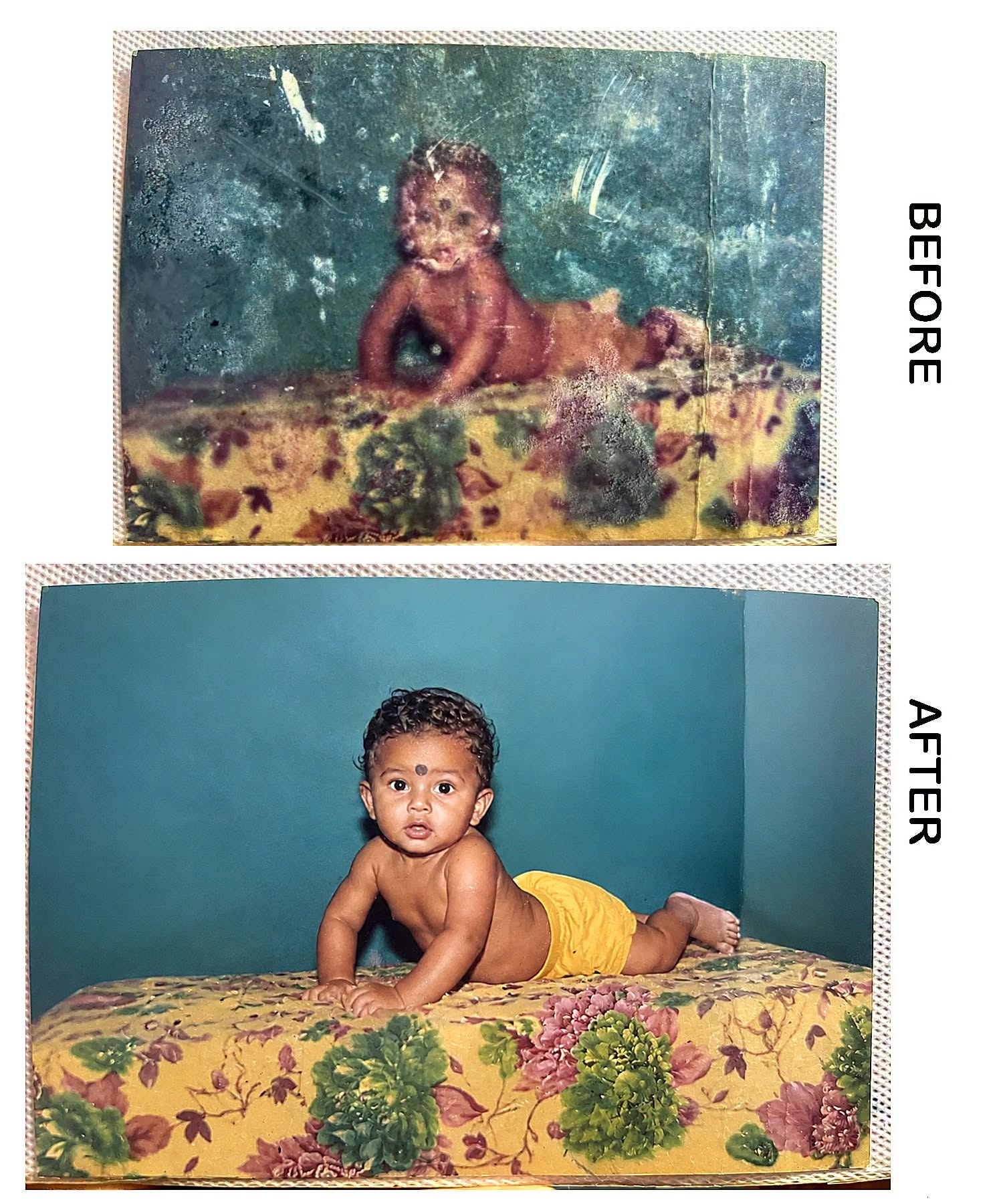
Old Photo Recovery
general
advanced
Vintage Baby Photo Restoration & Colorization
estore a heavily damaged vintage baby portrait while preserving the original face exactly, restoring yellow shorts, floral bedspread, natural skin texture and a clean teal-blue studio background.
0.0 (0)
Prompt content
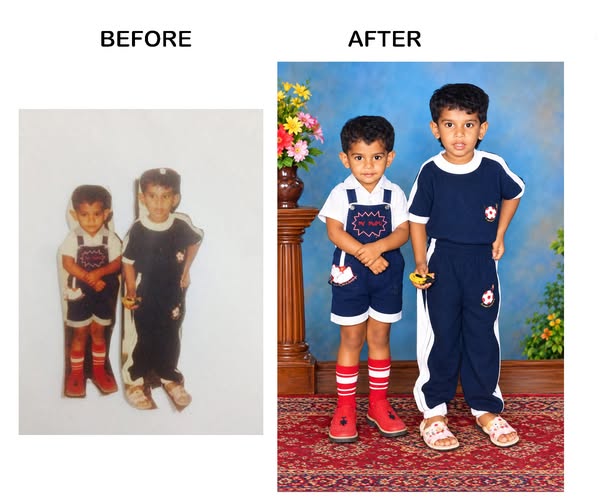
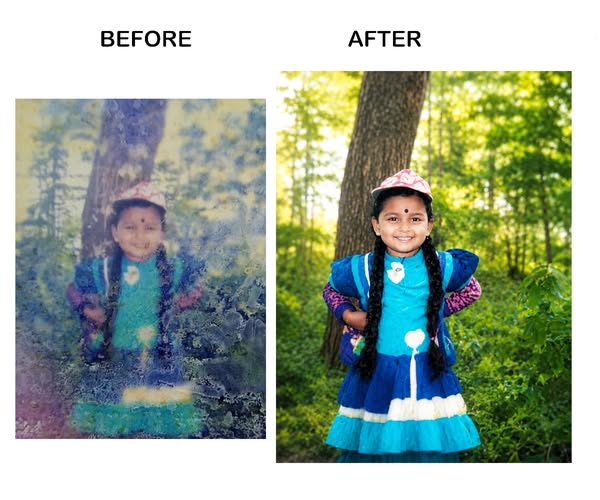
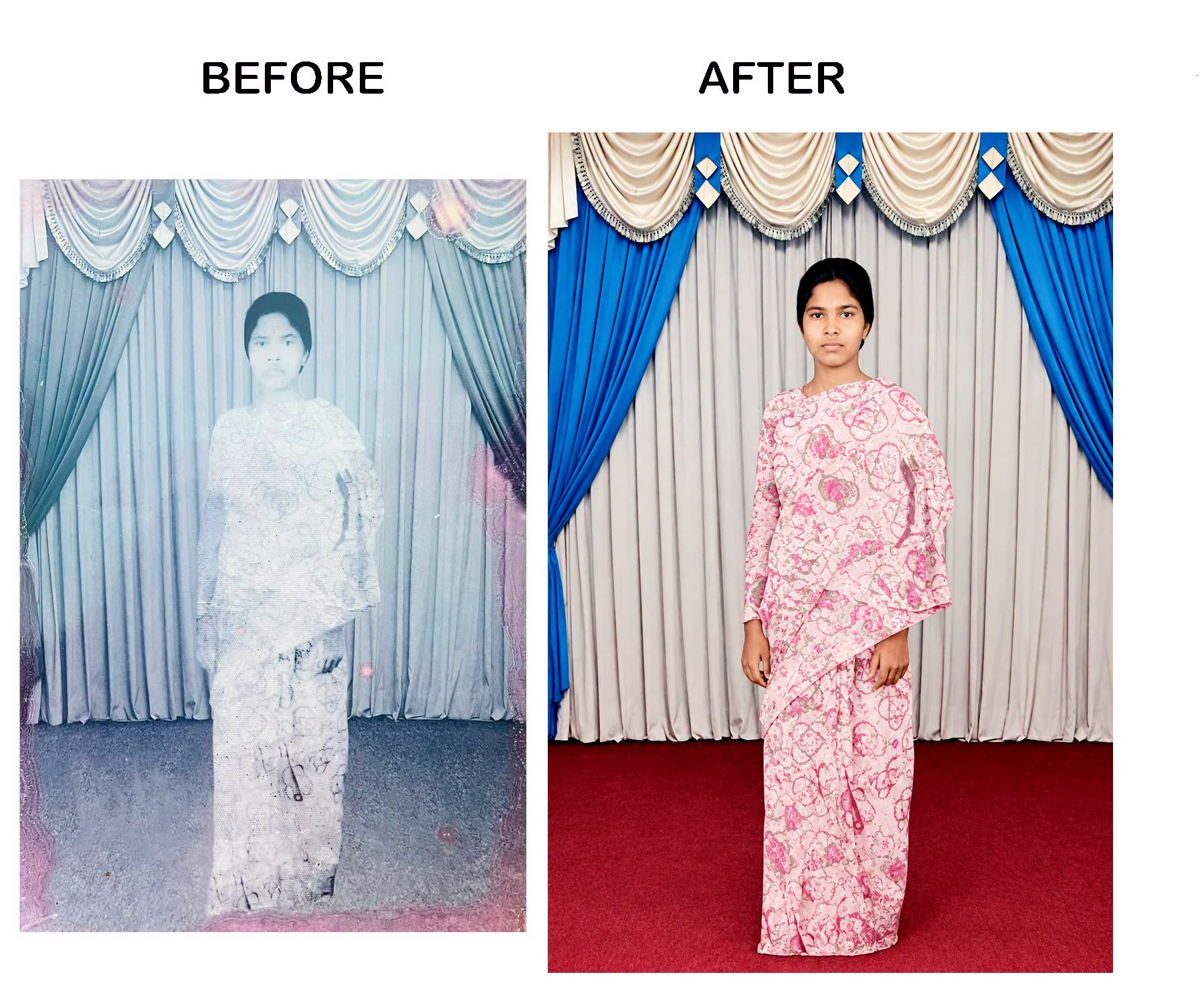
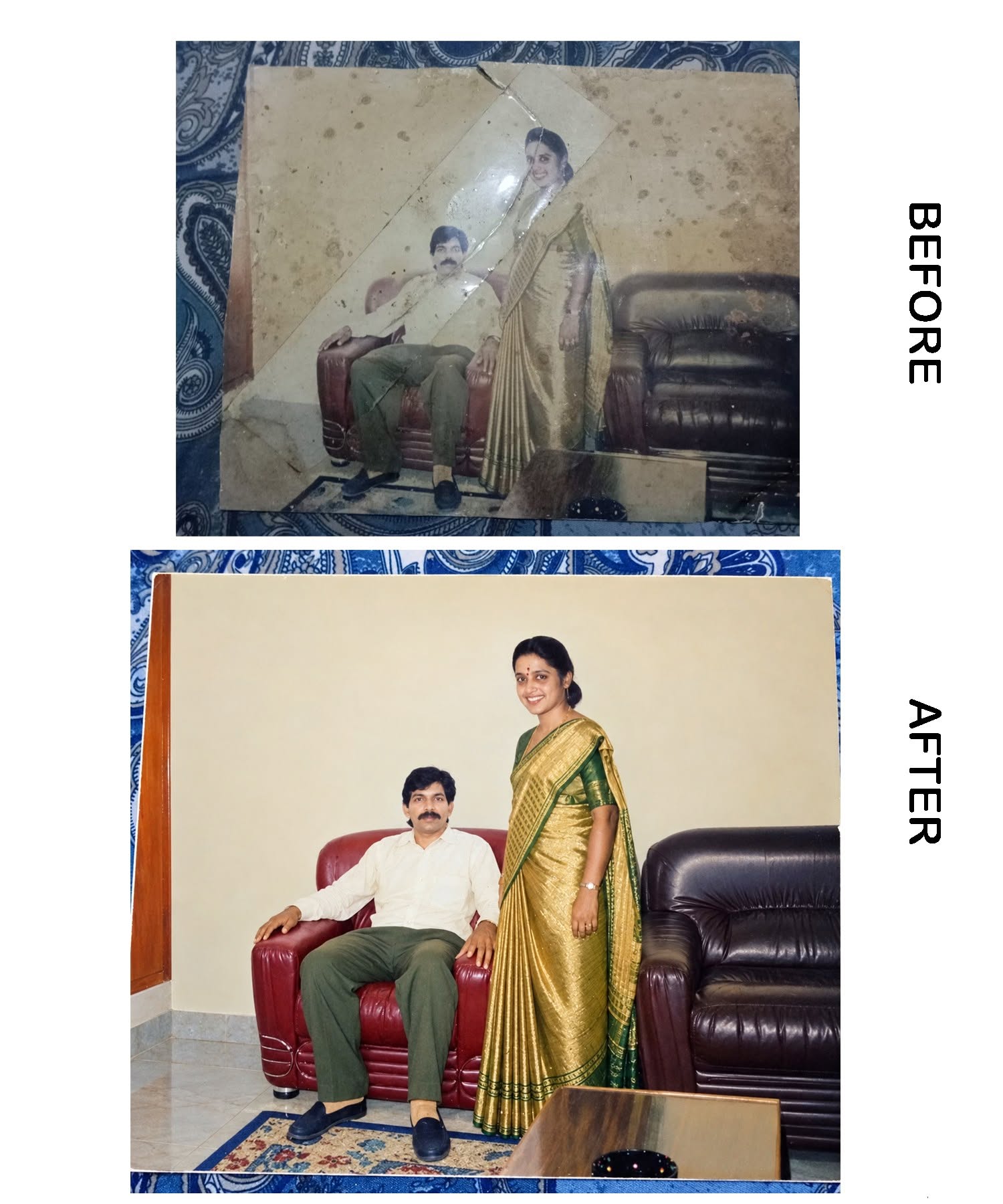
Restore this heavily damaged vintage baby photograph with maximum accuracy. Preserve the original facial identity exactly as visible in the source image. Do not alter the eyes, nose, mouth, face shape, skin tone, hairstyle, expression, or age. Reconstruct missing and damaged areas naturally while maintaining the authentic appearance of the child.
Remove scratches, stains, dust, cracks, discoloration, fungus marks, faded patches, and photo damage. Enhance facial details carefully without changing identity. Recover natural skin texture and realistic lighting.
Colorize the image realistically. The baby is wearing yellow shorts. Keep the child shirtless as in the original photo. Restore the floral bedspread with clear flower patterns and natural colors. Create a clean teal-blue studio background similar to an old portrait studio photograph.
Improve sharpness, contrast, and overall image quality. Recover the full body and correct damaged edges. Maintain a natural vintage-photo look while producing a high-resolution professional restoration.
Important: Face preservation priority 100%, no beautification, no facial modifications, no AI-generated facial replacement, no change to eyes, nose, mouth, forehead mark, or expression. Ultra-detailed, realistic, high-resolution, professional photo restoration and colorization.
Reviews (0)
Leave a review
No reviews yet
Be the first to share your experience and tips for getting the best output with this prompt.