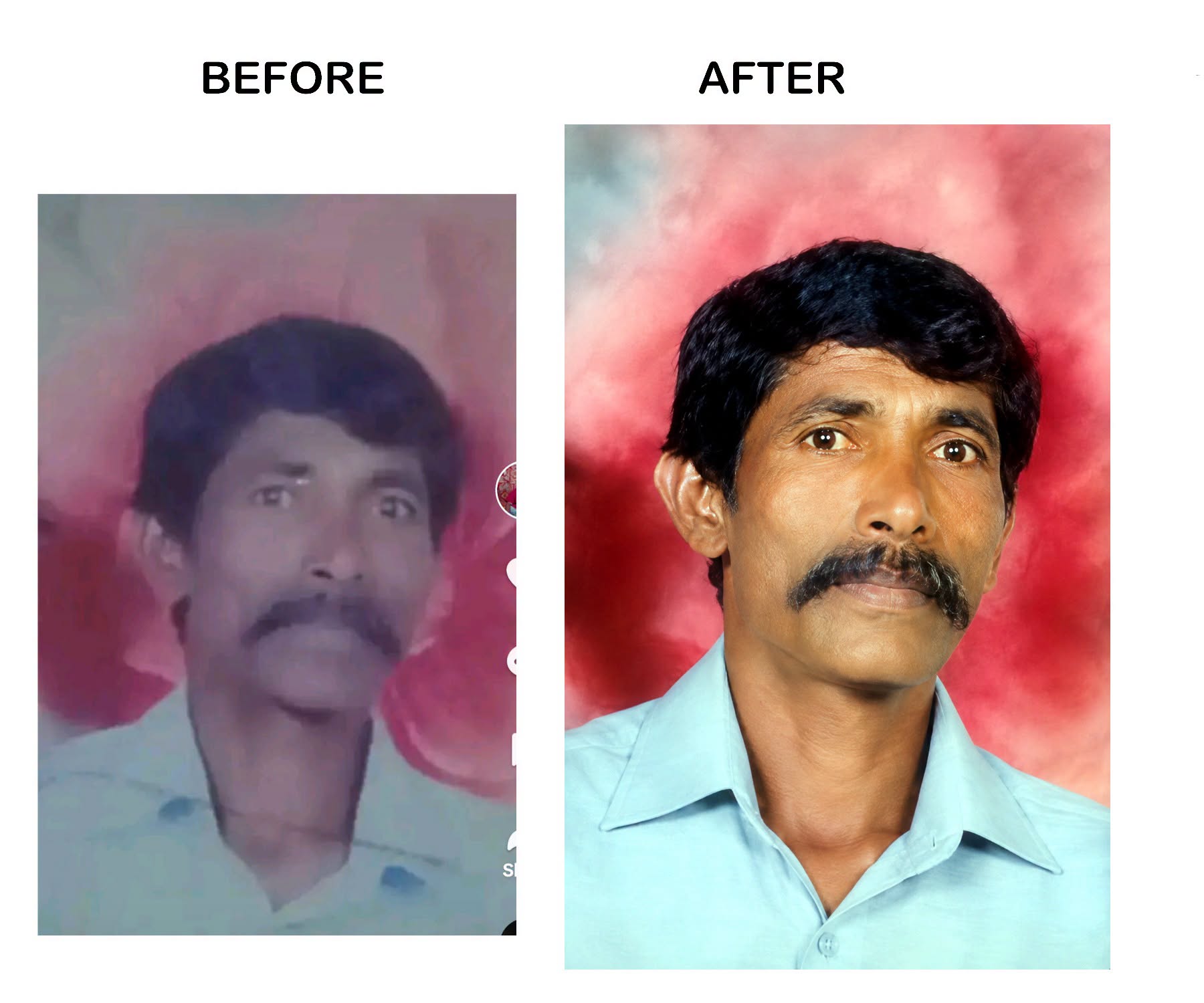
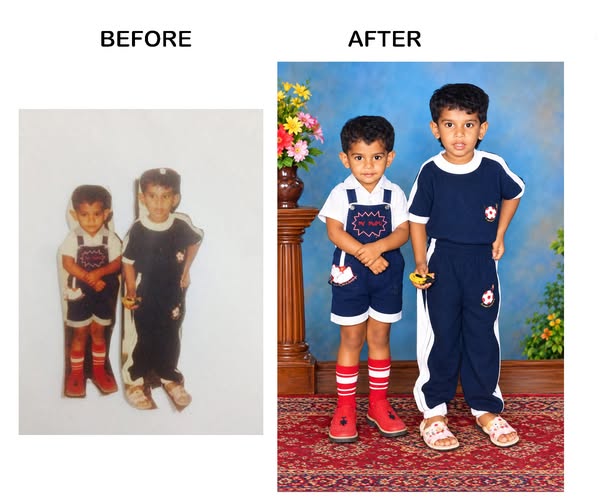
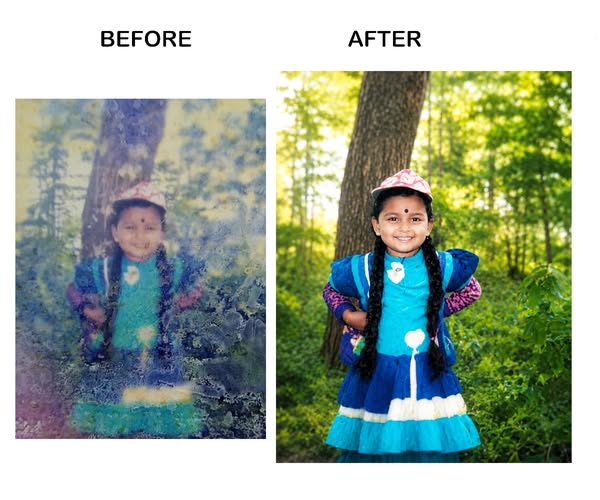
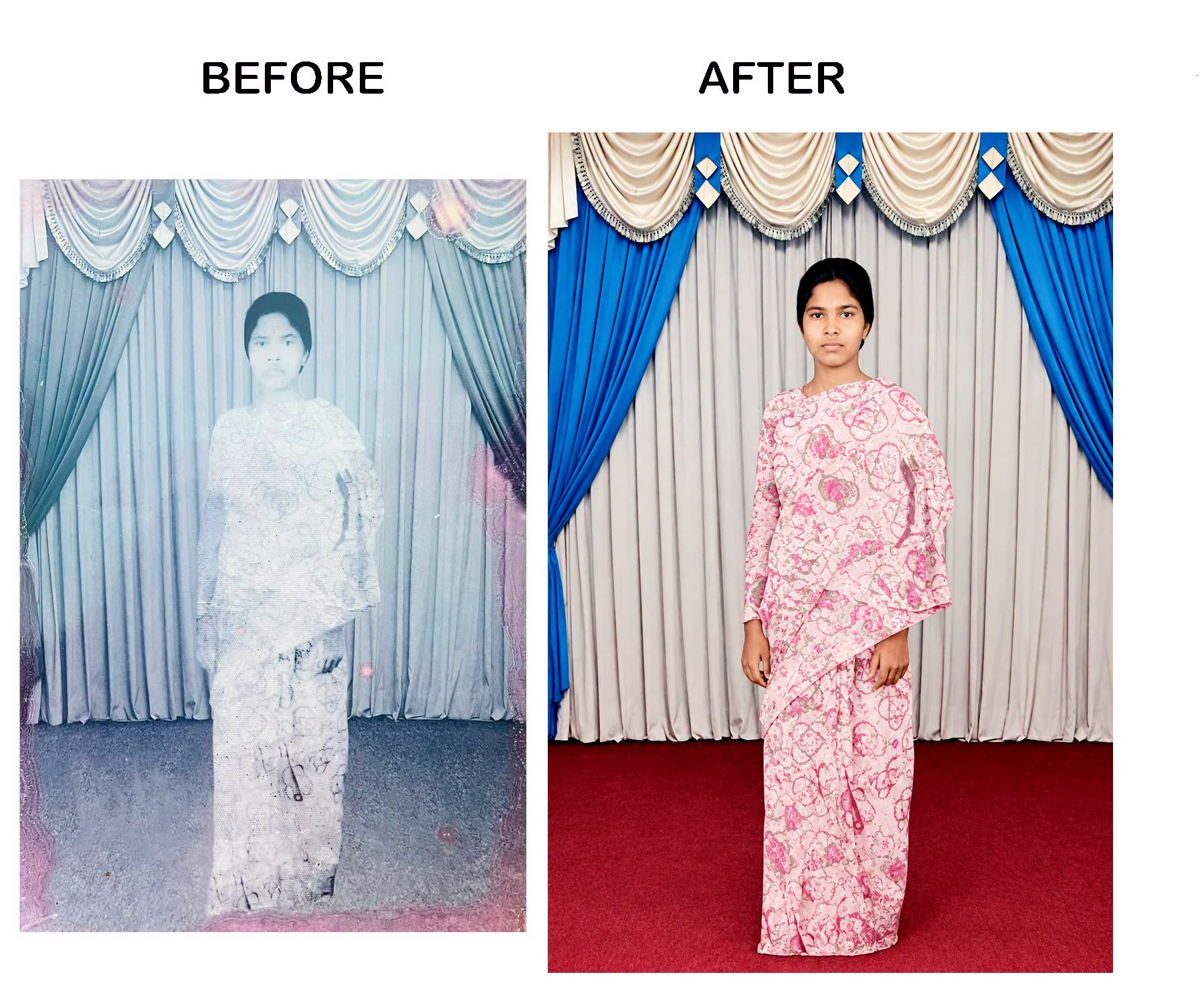
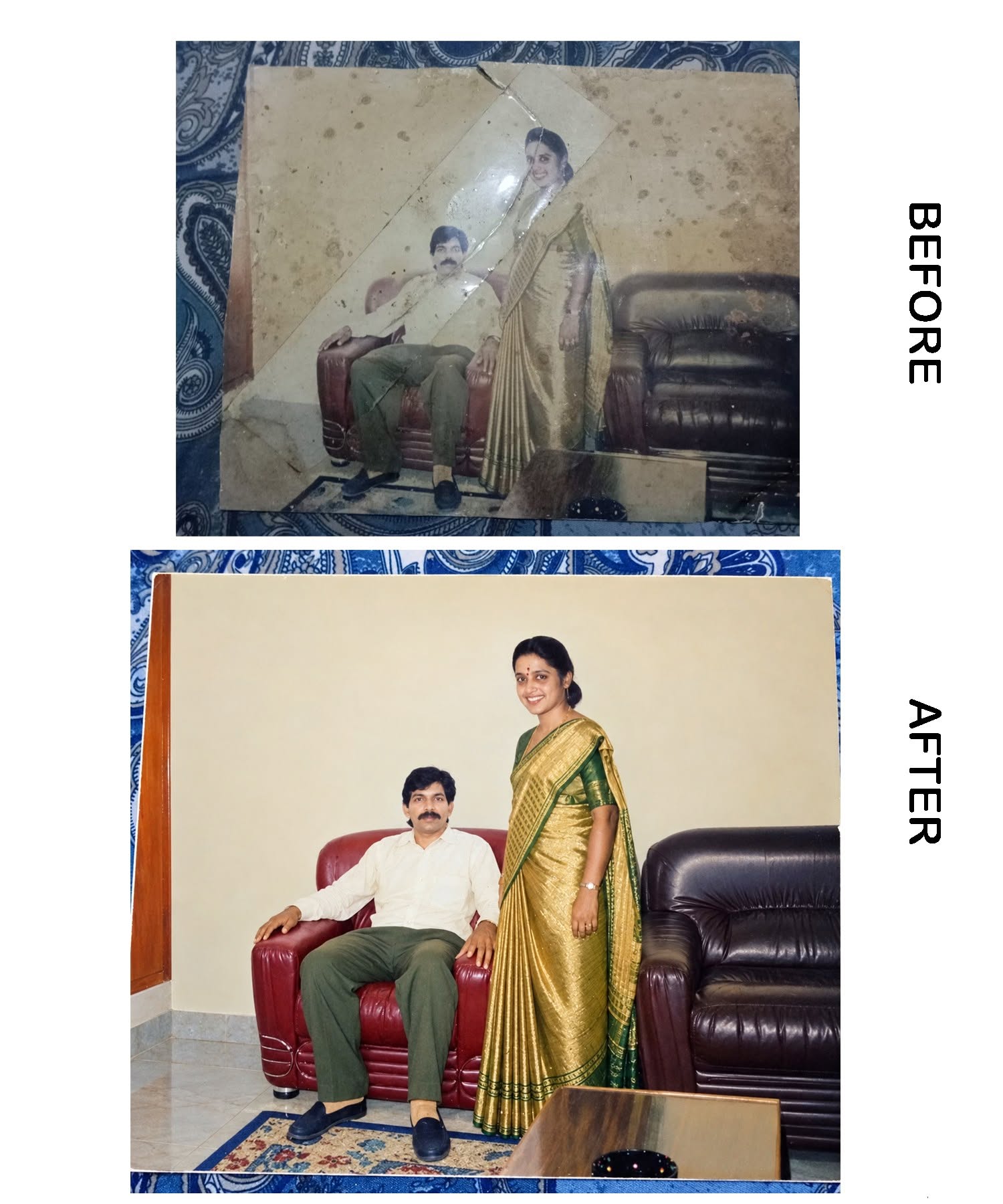
Restore and colorize an old damaged portrait while preserving the original identity exactly, restoring facial details, natural skin tones and a clean light-blue shirt against a premium red-pink studio background.
0.0 (0)
2 copiesUpdated 16 days ago
Prompt content
Restore and colorize this old damaged portrait photo with maximum accuracy. Preserve the person's original identity exactly as in the source image. Do NOT alter the eyes, nose, mouth, face shape, jawline, hairstyle, mustache, skin tone, facial expression, age, or facial proportions. Recover blurred facial details naturally while maintaining 100% facial likeness. Remove noise, scratches, fading, compression artifacts, stains, discoloration, and low-resolution defects. Enhance sharpness and clarity without over-smoothing. Reconstruct missing details realistically. Apply natural South Asian skin tones, realistic hair texture, and authentic facial features. Keep the light blue shirt intact and clean. Replace the damaged background with a smooth professional red-pink studio gradient background. Improve lighting, contrast, and color balance. Produce a high-resolution 8K ultra-realistic photo restoration with natural skin texture, professional studio quality, and true-to-life colors. No beautification, no AI-generated face changes, no extra accessories, no text, no watermark, no distortion, no cartoon effect, no unrealistic enhancements. Preserve the original person's identity exactly.
Reviews (0)
Leave a review
No reviews yet
Be the first to share your experience and tips for getting the best output with this prompt.