Back to explore1 copiesUpdated 16 days ago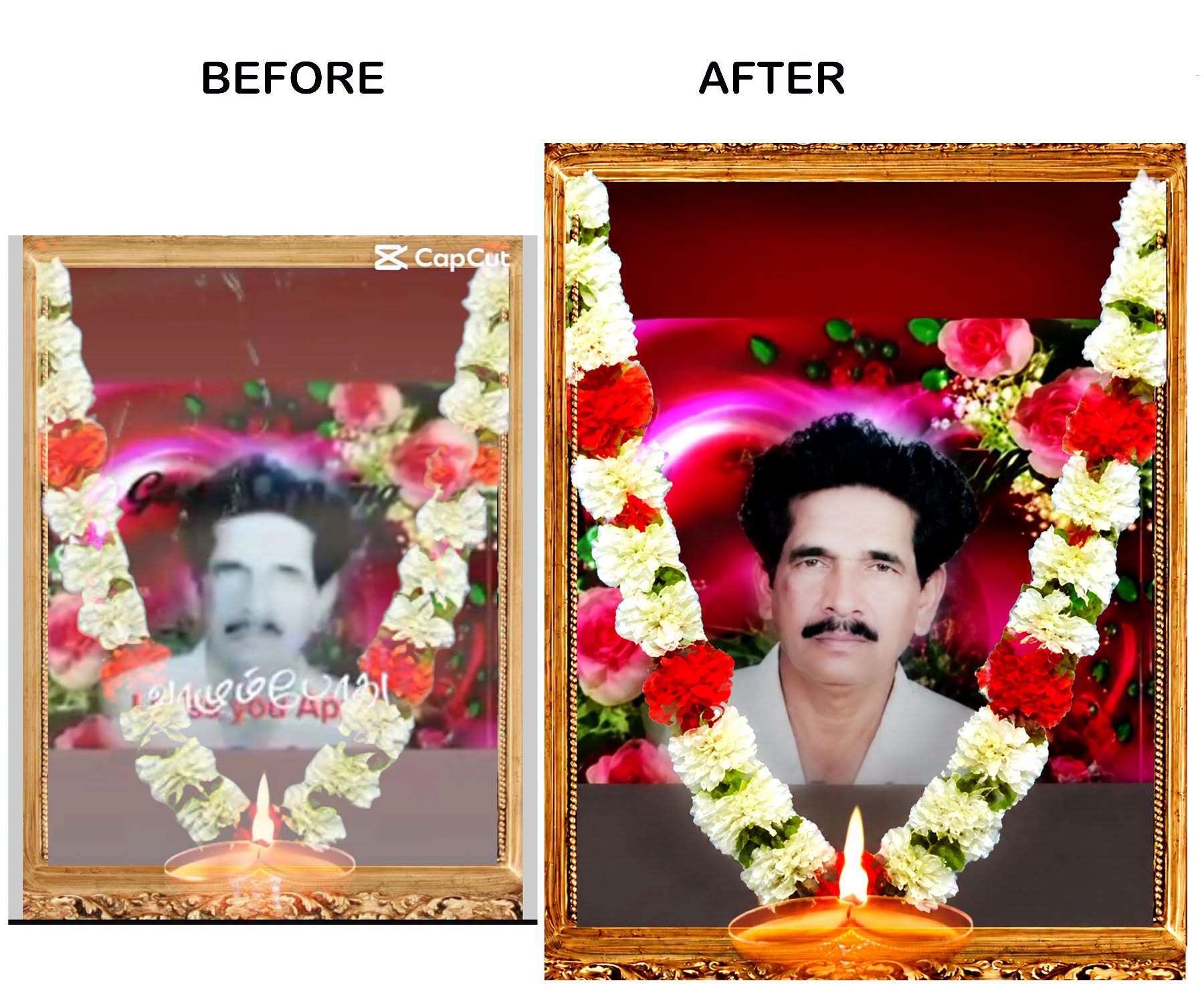
Old Photo Recovery
general
advanced
Ultra-Realistic Memorial Photo Restoration
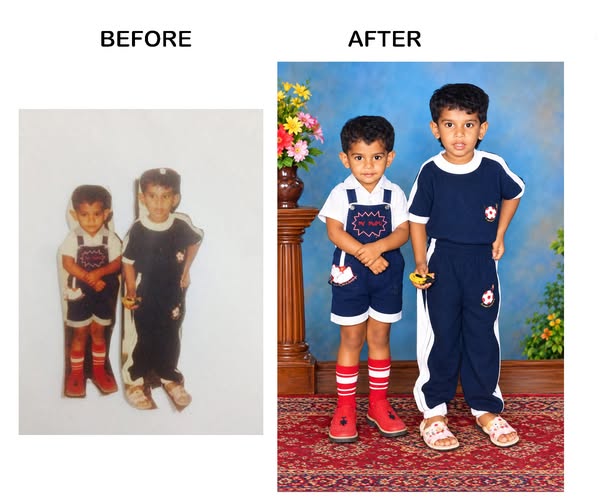
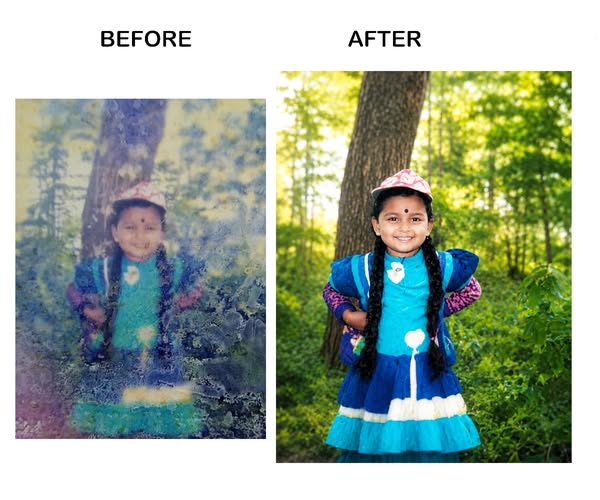
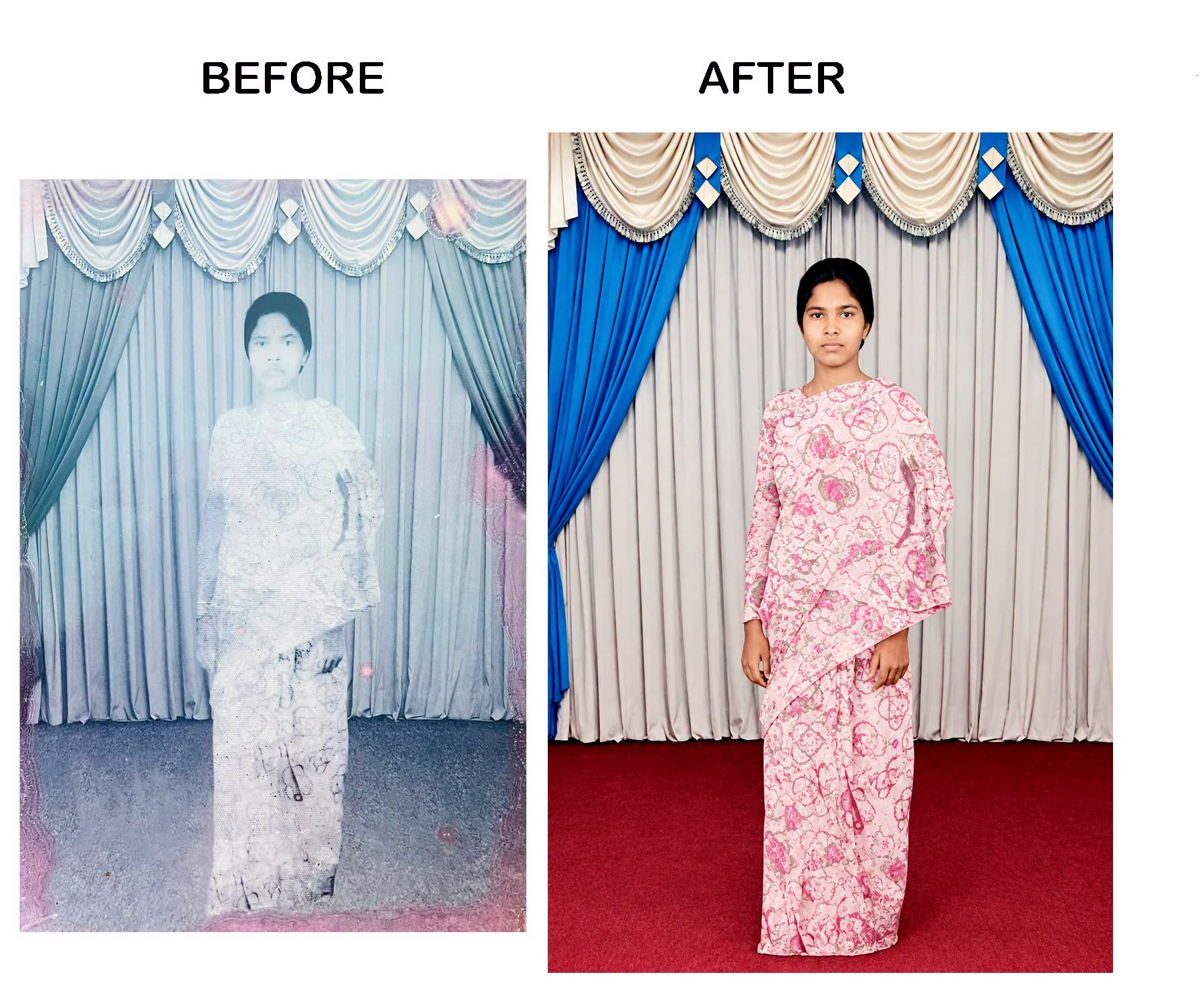
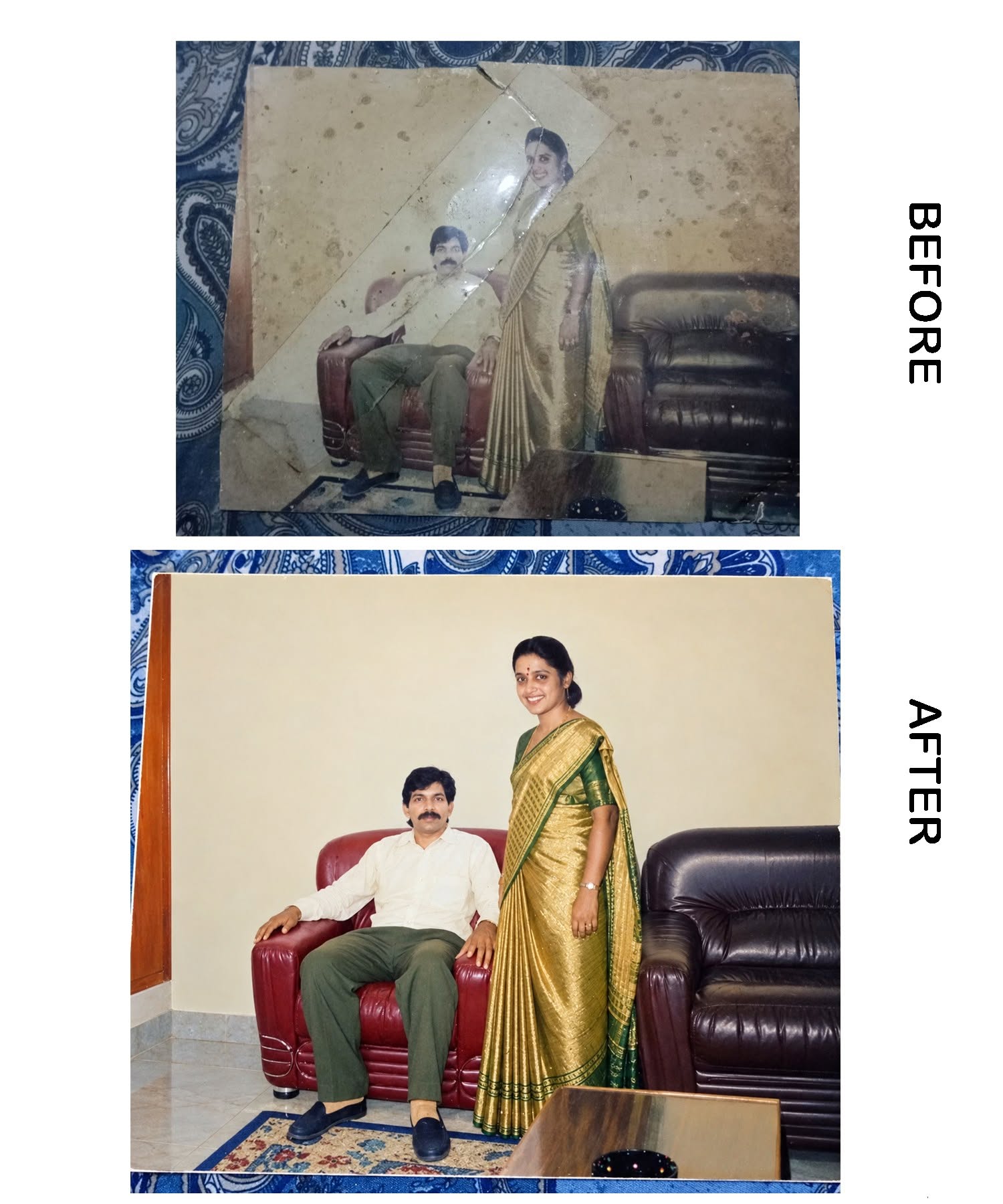
Restore and colorize an old memorial portrait while preserving the person’s original identity and facial features exactly, removing damage, text and artifacts for a natural studio-quality 8K result.
0.0 (0)
Prompt content
Restore this old damaged memorial photo into a high-quality, ultra-realistic color portrait. Remove all text, watermarks, logos, captions, overlays, scratches, dust, stains, blur, and damage completely. Preserve the person's original facial identity exactly as in the source image. Do not change the eyes, nose, mouth, mustache, hairstyle, face shape, skin tone, age, or expression. Reconstruct missing facial details naturally and accurately. Enhance sharpness, clarity, and resolution while maintaining a realistic appearance. Colorize the image with natural South Asian skin tones and realistic clothing colors. Improve lighting, contrast, and background quality. Keep the flower garland, memorial frame, and lamp realistic and clean. Remove all unwanted artifacts and create a professional studio-quality restoration. Ultra-detailed, 8K resolution, photorealistic, natural color grading, face preservation, high-quality restoration, no text, no watermark, no distortion, no AI-generated facial changes.
**Negative Prompt:**
blurry face, changed identity, extra eyes, extra nose, distorted face, cartoon, painting, low quality, watermark, logo, text, caption, over-smoothing, plastic skin, unrealistic colors, deformed features, duplicate face, artifacts, noise, low resolution, AI face replacement, exaggerated beautification.
Reviews (0)
Leave a review
No reviews yet
Be the first to share your experience and tips for getting the best output with this prompt.