Back to explore0 copiesUpdated 5 days ago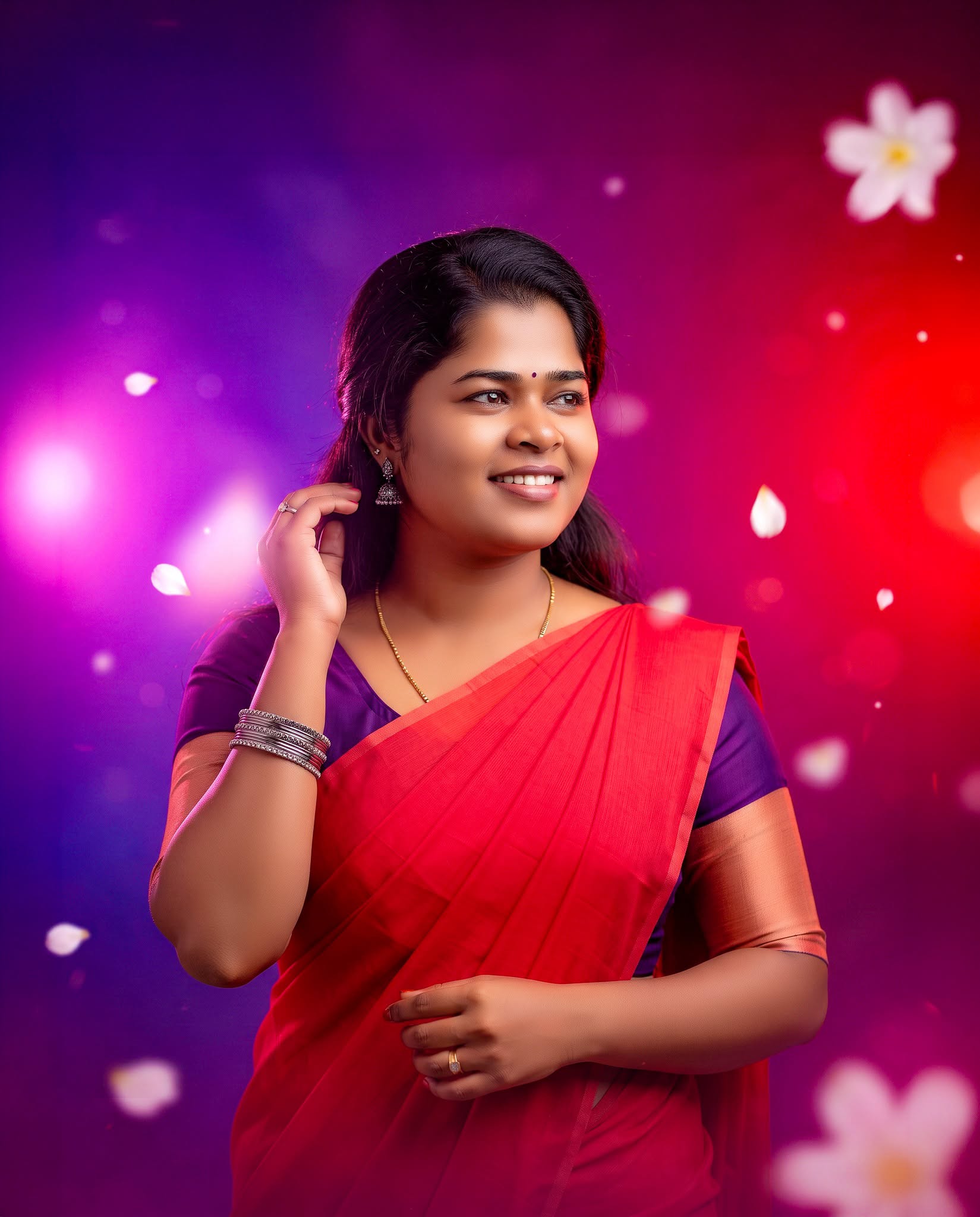
Girls
general
advanced
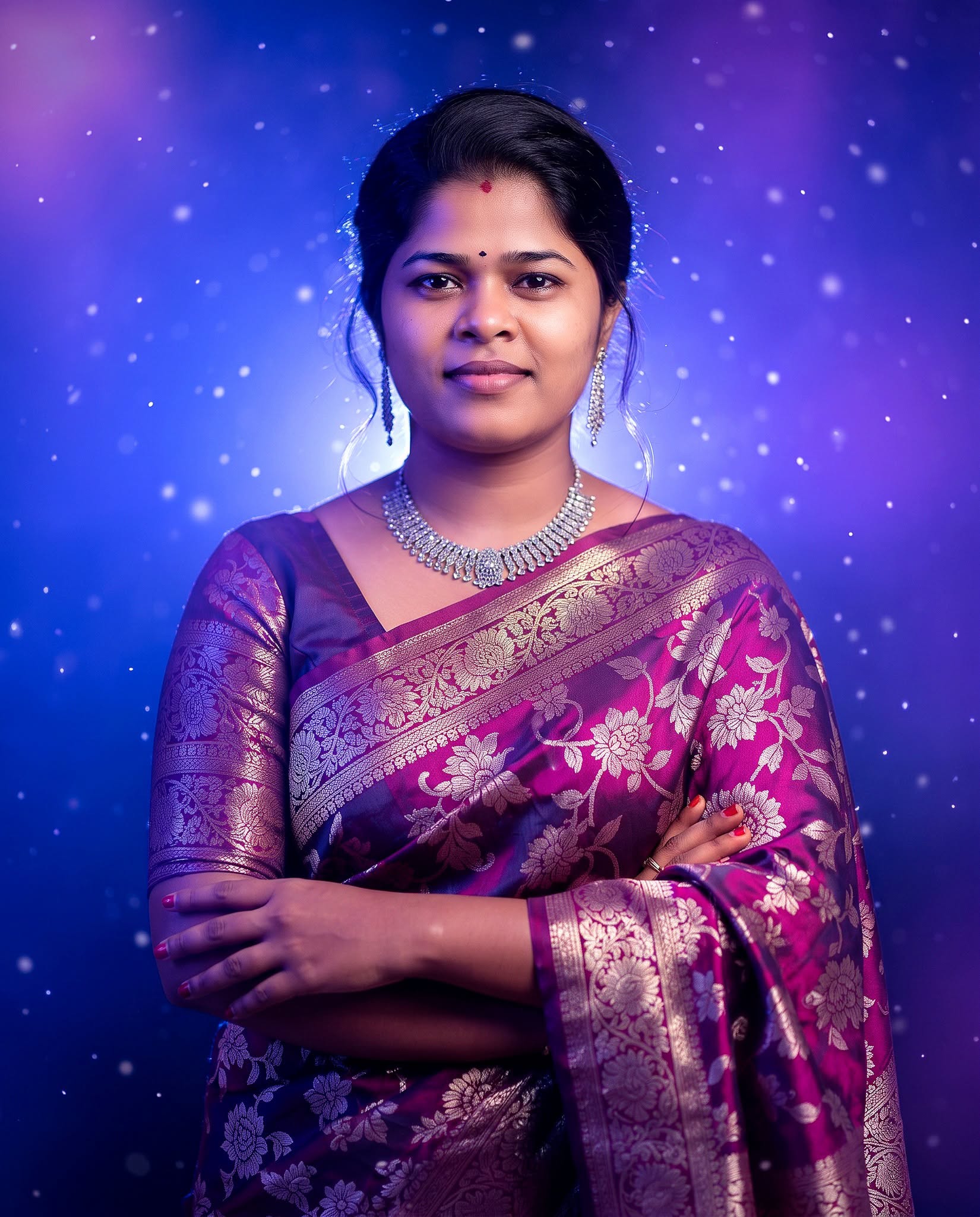
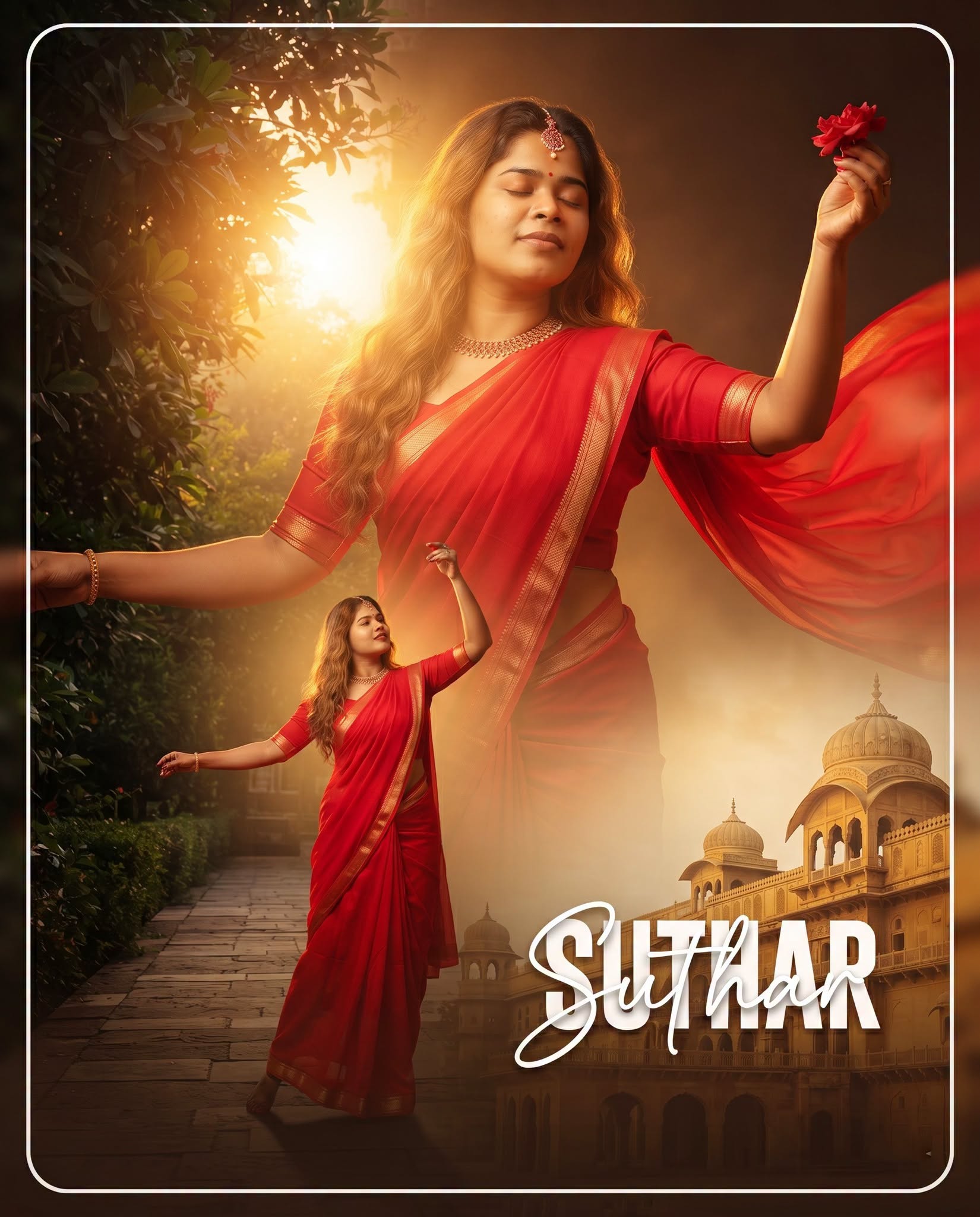
Premium Festive Saree Portrait
Create a realistic festive portrait preserving the woman’s exact identity, red saree and purple blouse, with vibrant magenta lighting, elegant petals, soft bokeh, and premium DSLR-style photography.
0.0 (0)
Prompt content
Create a premium, realistic Facebook portrait edit in 4:5 vertical format, 1080×1350 px.
Keep the woman’s original face, identity, facial structure, eyes, eyebrows, nose, lips, smile and expression exactly unchanged.
Do not alter her age or facial proportions.
Preserve her original hairstyle and natural skin tone.
She is wearing a bright red saree with a deep purple blouse and peach/copper sleeve details.
Preserve the original saree and blouse colors exactly, with rich natural fabric texture.
Keep the silver bangles, earrings and all original accessories unchanged.
Her pose remains the same, with one hand near her hair and the other hand naturally positioned near the saree.
Keep her body proportions and posture natural and realistic.
Maintain her three-quarter standing pose, facing slightly toward the right side of the frame.
Her eyes are looking naturally toward the right side.
Create a beautiful premium festive studio atmosphere.
Use a smooth purple-to-magenta-to-red gradient background.
Keep the purple tones mainly on the left side and vibrant pink/red tones toward the right side.
Add soft glowing pink and purple atmospheric light behind the subject.
Create subtle white flower-petal particles floating naturally throughout the background.
Keep the petals soft, elegant and realistic, not oversized.
Add a gentle dreamy bokeh effect in the background.
Use soft cinematic rim lighting around the hair and shoulders.
Add balanced professional portrait lighting on the face.
Remove harsh shadows while preserving natural facial depth.
Enhance skin clarity naturally without plastic-looking skin.
Sharpen eyes, hair strands, jewellery and saree texture with realistic detail.
Keep the original facial expression warm, confident and natural.
Create realistic DSLR camera quality with premium portrait depth of field.
Use a high-end professional photography look.
Add subtle cinematic color grading with vibrant but natural colors.
Keep the subject sharply focused and the background softly blurred.
Maintain realistic edges around hair, saree and hands.
Do not distort hands, fingers, jewellery or clothing.
Do not add extra people or objects.
Do not add any text, typography, logo, watermark, letters or captions.
Do not add any flag or unnecessary decorative symbols.
Keep the composition elegant with the woman as the clear central focus.
Leave balanced negative space around the subject.
Make the final image clean, premium, colorful, realistic and suitable for a professional Facebook post.
Final output: vertical 4:5, 1080×1350 px, high resolution, photorealistic DSLR portrait.
Reviews (0)
Leave a review
No reviews yet
Be the first to share your experience and tips for getting the best output with this prompt.